Show Photos from Your Phone on Any TV - Instantly
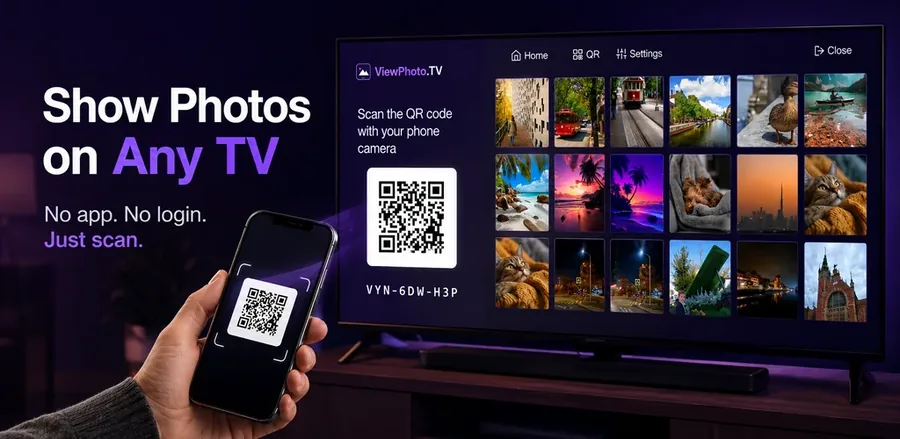
Without apps. Without accounts. Without exposing your private screen.
ViewPhoto.TV solves one of the most annoying problems of the digital era: how to quickly, beautifully and safely show photos from your phone on a big TV screen.
Open ViewPhoto.TVOpen the website on your TV → scan the QR code → choose photos → done.
Why ViewPhoto.TV Exists
Screen mirroring exposes your entire phone - notifications, messages, private apps. But even worse:
Your entire photo library becomes visible on the TV - even the photos you never intended to show.
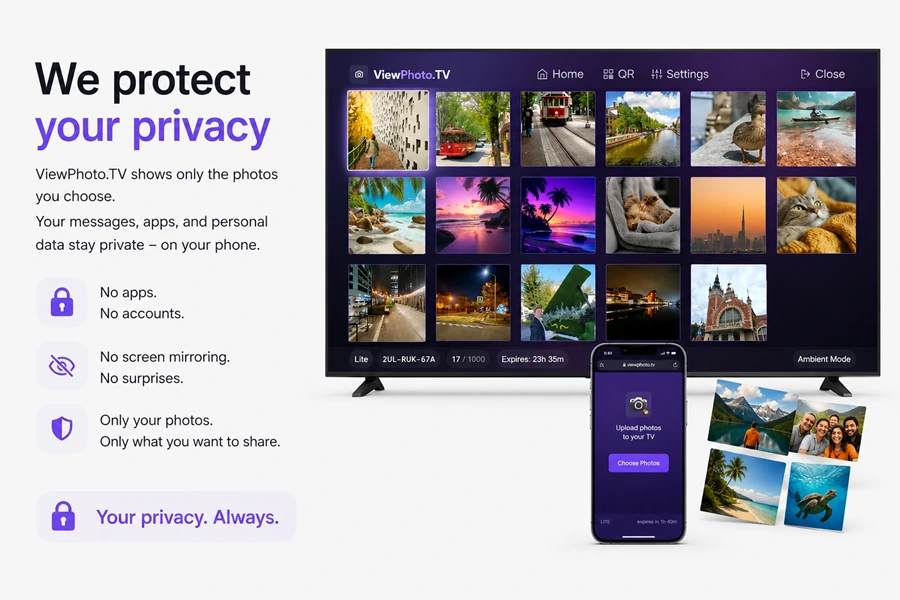
One swipe too far, and everyone sees something personal. ViewPhoto.TV eliminates that risk completely.
You can upload photos not only from your phone’s local gallery, but also directly from Google Photos or iCloud Photos using the standard browser photo picker - no apps, no logins, no setup.
“Share memories, not your private life.”
Zero‑Configuration. Zero Apps. Zero Stress.
No apps on TV. No apps on phone. No accounts. No Wi‑Fi pairing.
- Open ViewPhoto.TV on your TV
- Scan the QR code with your phone
- Select photos
Works on any Smart TV (Samsung, LG, Sony, Philips, Google TV) and any smartphone (iPhone / Android).
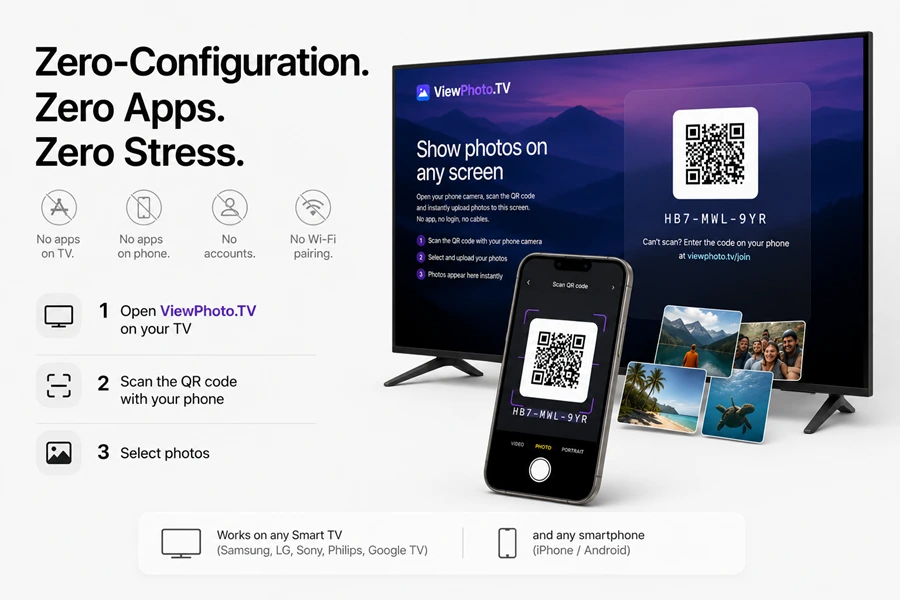
You can upload photos from your device storage or from Google Photos and iCloud Photos without installing anything - the browser handles everything natively.
How It Works
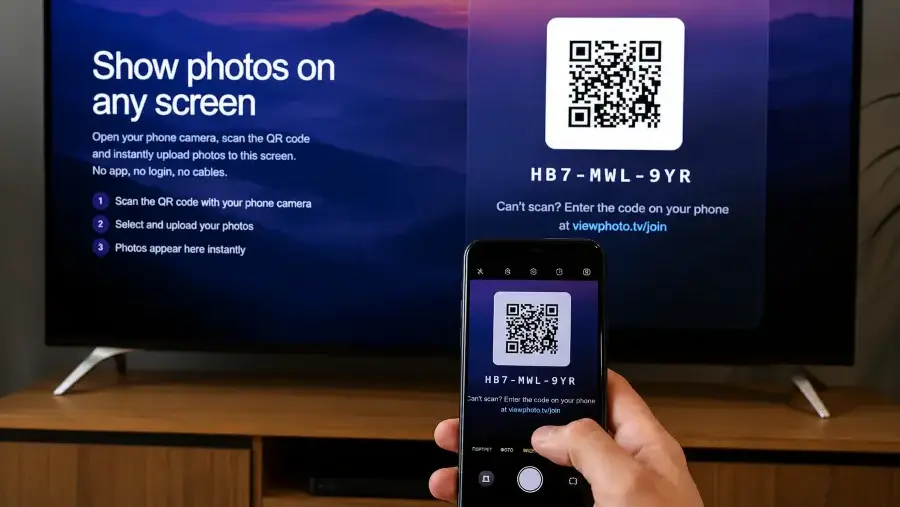
1. Open ViewPhoto.TV on your TV
Open viewphoto.tv in the browser on your TV. A secure temporary session with a unique QR code appears instantly.
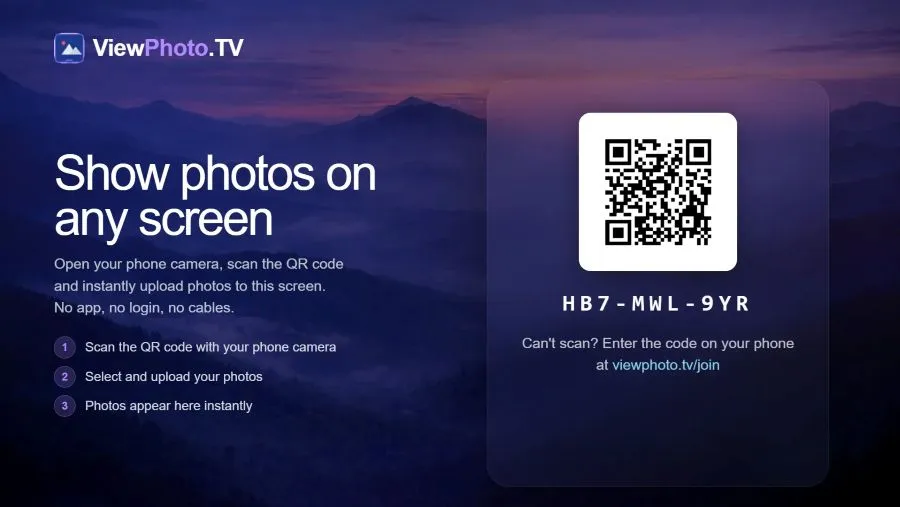
2. Scan the QR code with your phone
No login. No installation. Just scan and go.
3. Select photos
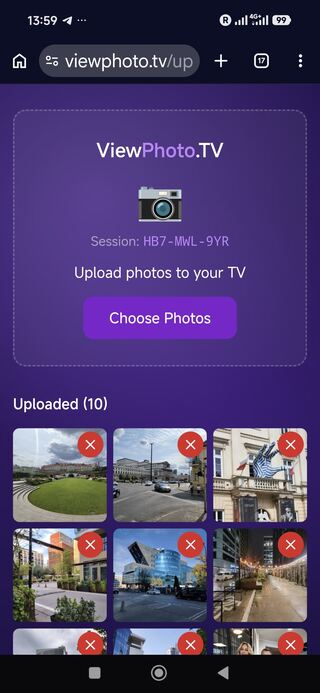
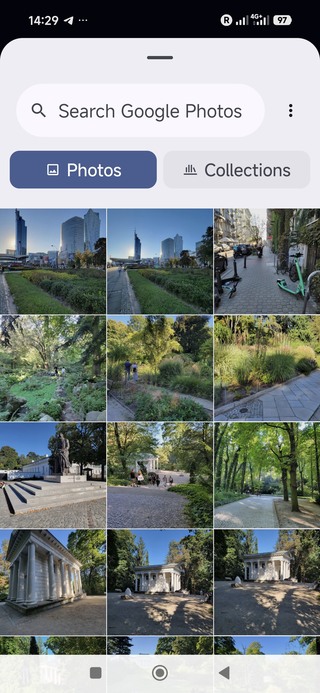
Choose exactly what you want to show - from your phone’s gallery, Google Photos, or iCloud Photos using the built‑in browser photo picker. Only the selected photos appear on the TV. Your full gallery and cloud albums stay private.
4. Enjoy your photos on the big screen
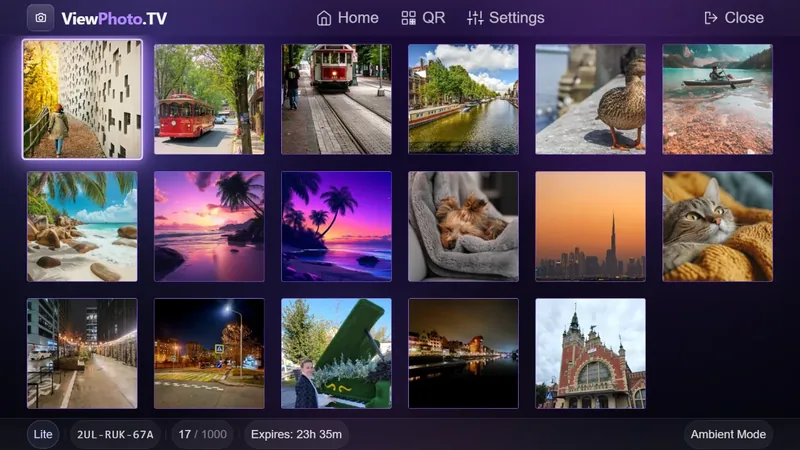
The selected photos instantly appear on your TV in a clean, beautiful gallery. You can browse them one by one, zoom in, or open any photo in full‑screen immersive mode — just like a native TV app.
Only the photos you chose are visible. Your full gallery, cloud albums, and private content remain hidden.
Why ViewPhoto.TV Is Better Than AirPlay, Miracast, or HDMI
Traditional screen sharing exposes not only your notifications and messages - it exposes your entire photo library every time you scroll.
With ViewPhoto.TV, the TV shows only the photos you choose, keeping the rest of your gallery private.
ViewPhoto.TV works with your local photos and with cloud libraries like Google Photos and iCloud Photos through the standard browser photo picker - instantly and securely.
| Feature | AirPlay | Miracast | HDMI | ViewPhoto.TV |
|---|---|---|---|---|
| Your entire gallery stays hidden | ❌ Entire gallery visible | ❌ Entire gallery visible | ✔️ But requires cables | ✔️ Only selected photos are shown |
| No notifications on TV | ❌ | ❌ | ✔️ | ✔️ Always private |
| Works on any TV | ❌ Apple only | ❌ Android only | ✔️ | ✔️ Any Smart TV |
| Works on any phone | ✔️ iPhone | ✔️ Android | ✔️ | ✔️ iPhone & Android |
| Requires apps or setup | ✔️ App or same Wi‑Fi | ✔️ Same Wi‑Fi | ✔️ Cable | ❌ No apps, no setup |
| Multiple people can upload photos | ❌ | ❌ | ❌ | ✔️ Yes, via QR |
Privacy & Security
Your photos are yours. Your gallery stays private. Your data is never stored permanently.
ViewPhoto.TV is designed with privacy at its core - the same philosophy Apple uses for its own products.
What stays private
- Your entire photo library - it is never shown on TV
- Your notifications, messages, apps
- Your browsing, your activity, your identity
How we protect your photos
- Photos are stored temporarily on Cloudflare during the session
- Default session lifetime: 180 minutes
- Automatic deletion when the session ends
- No permanent storage
- No tracking, no analytics, no ads
- When selecting photos from Google Photos or iCloud Photos, the browser’s native photo picker ensures that only the items you explicitly choose are shared with the session - nothing else.
Cloudflare acts only as a secure transport layer. All communication is encrypted via HTTPS.
Perfect for Guests, Parties & Events
Instead of passing one phone around, everyone can scan the QR code and upload photos to the shared screen in real time.
- Weddings
- Birthdays
- Travel nights
- Corporate events